How it works
One image.
A whole character.
Your character deserves more than one great photo. We turn your reference into a varied training dataset, then a personal LoRA you can create with again and again.
Create my LoRA- 01 · You upload
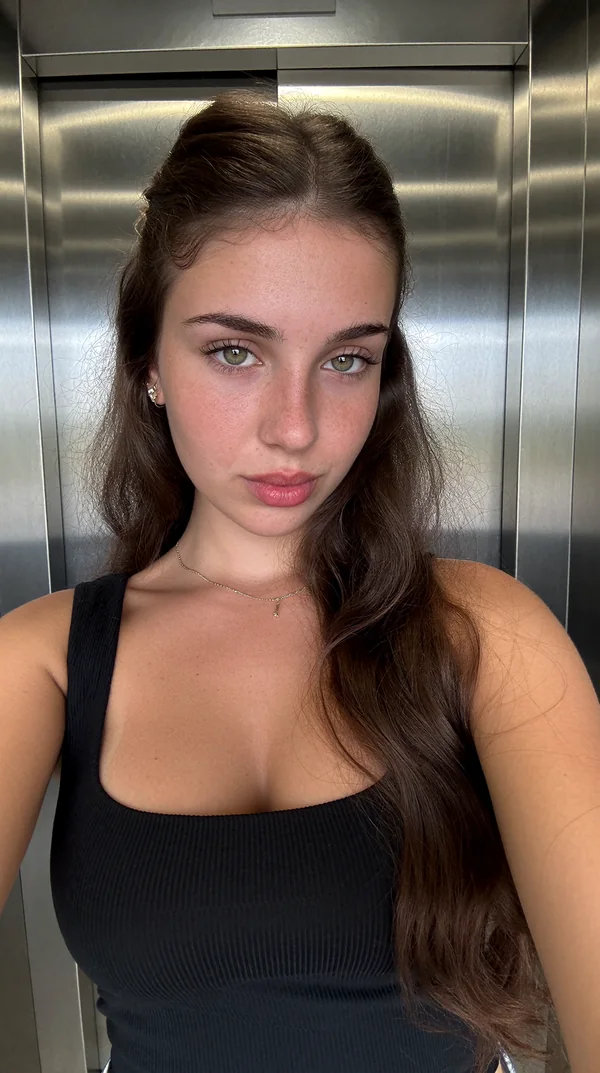
One clear reference
Start with your AI-generated character. One image gives us the face and features to build from.
- 02 · We explore
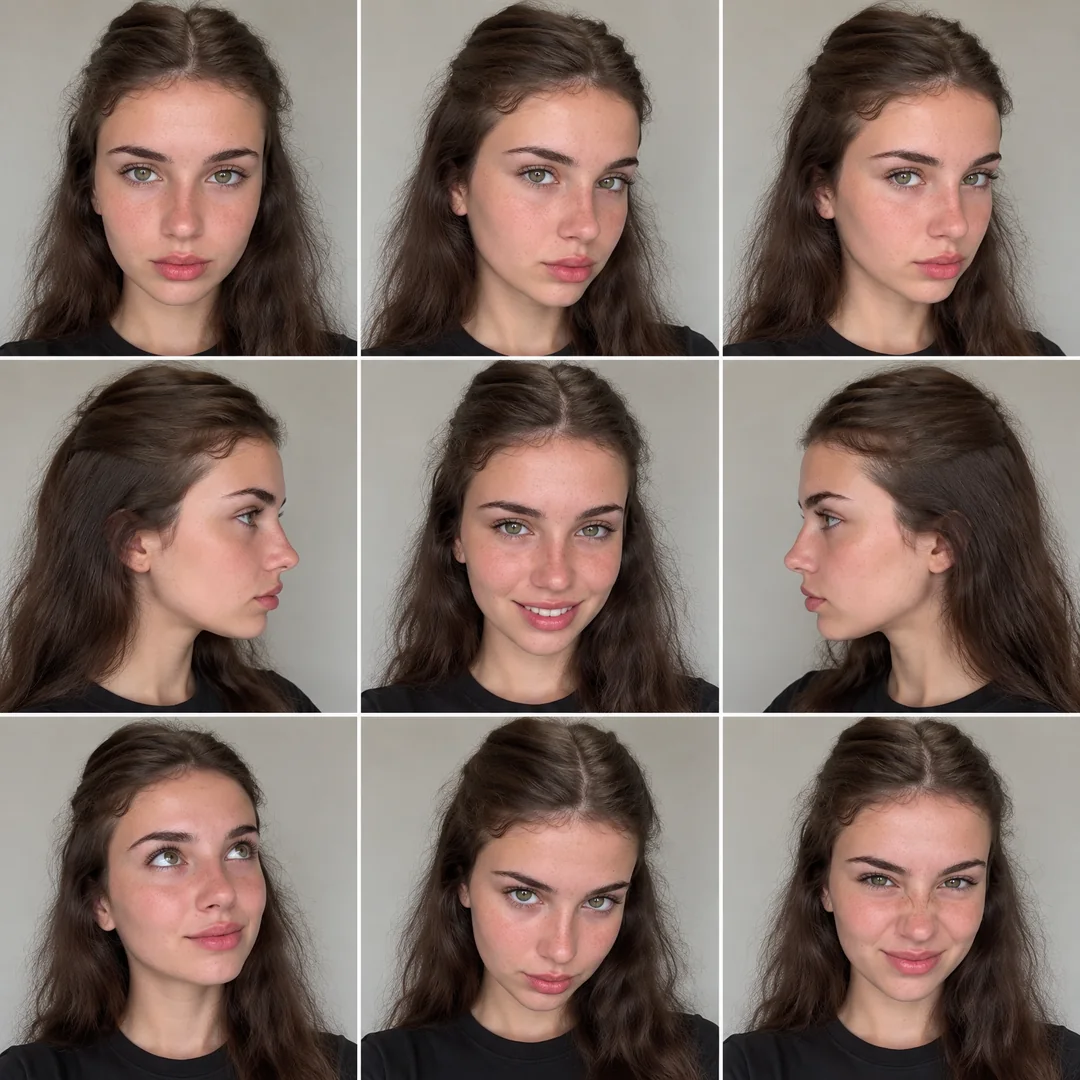
The character sheet
We generate different angles and expressions to capture more of your character, using your reference as the starting point.
- 03 · We create
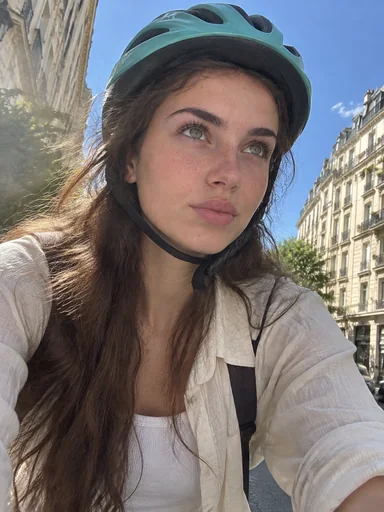
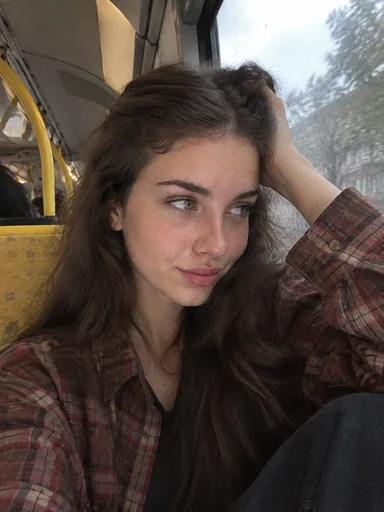
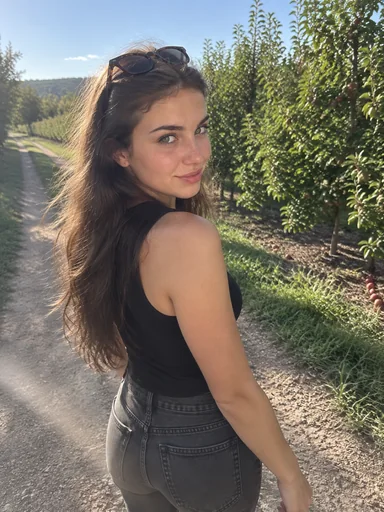
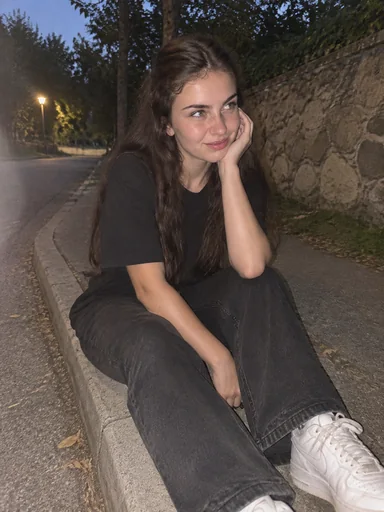
24 images. Real variety.
Using the sheet as the visual reference, we generate a dataset with new outfits, lighting, settings and framing.
- 04 · We train
A character you can use
We train your Krea 2 LoRA on that dataset. You get the downloadable file, a workflow and a guide to start creating.
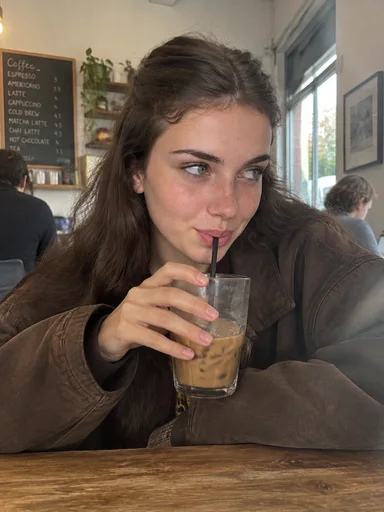
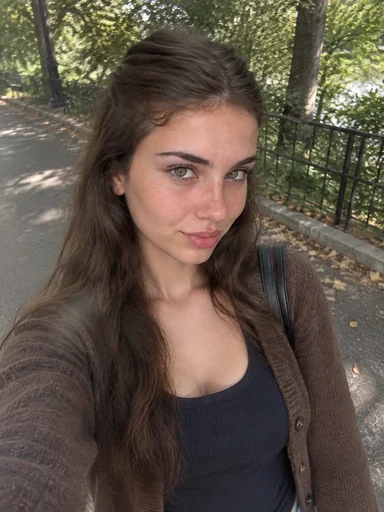
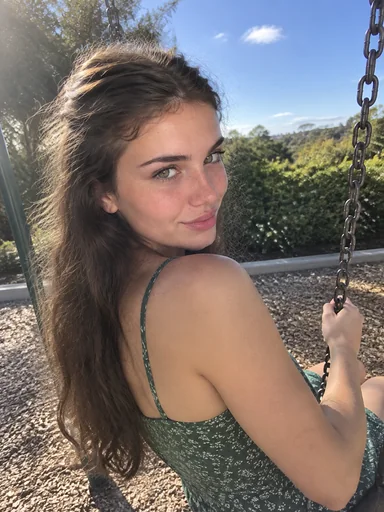
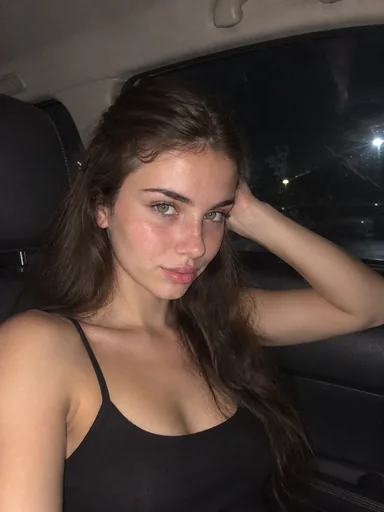
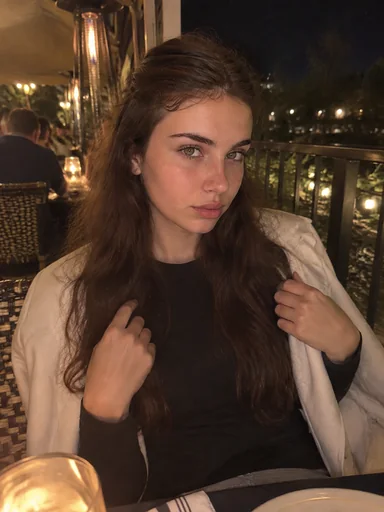
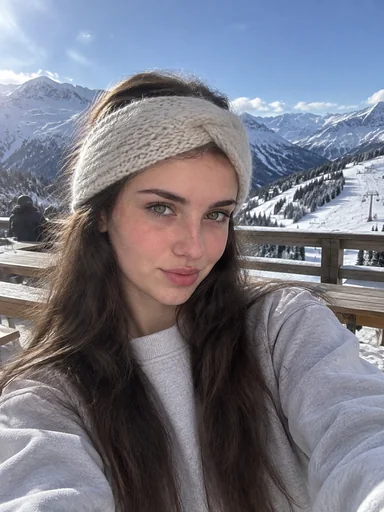
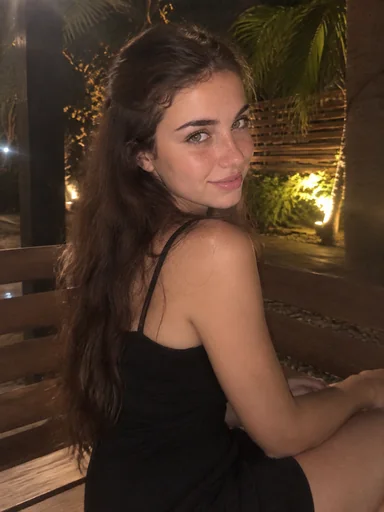
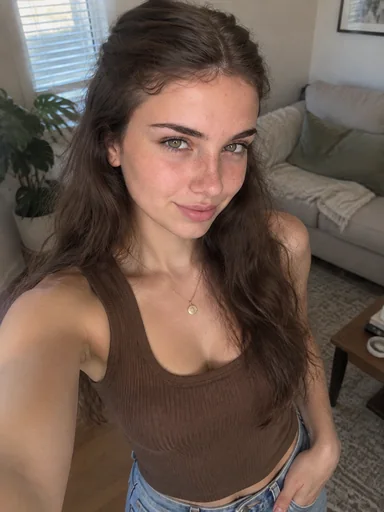
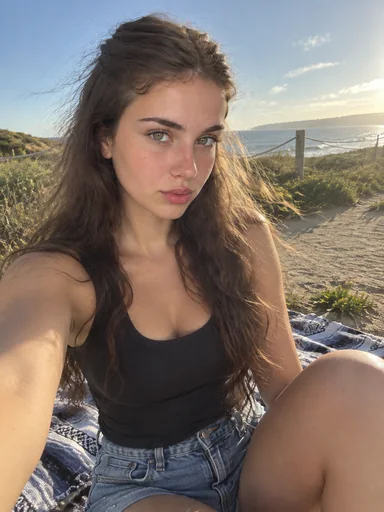
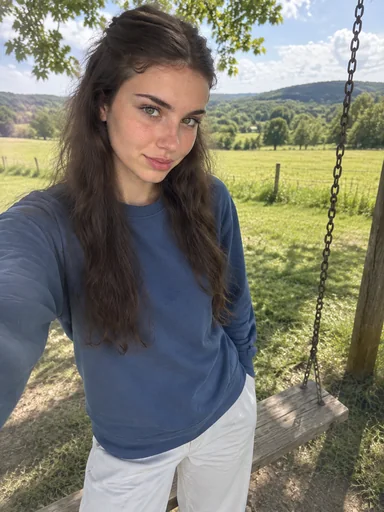
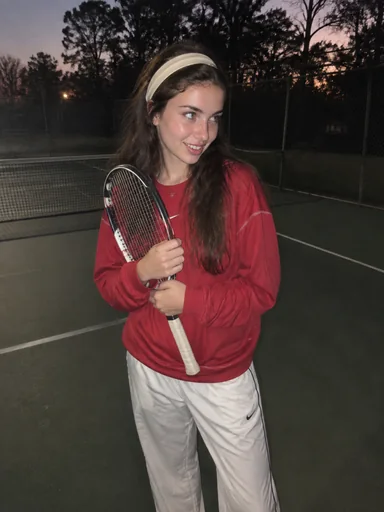
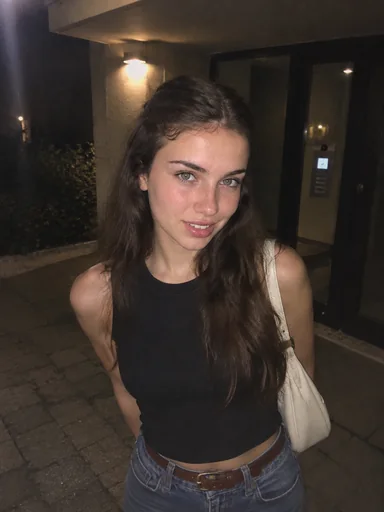
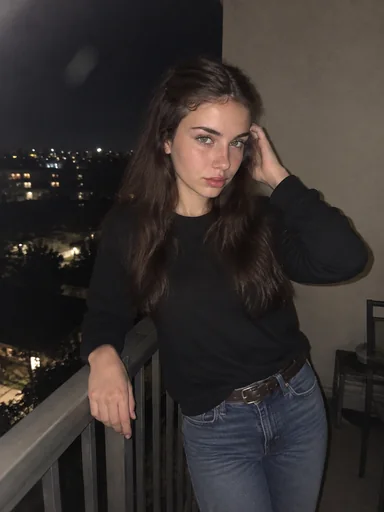
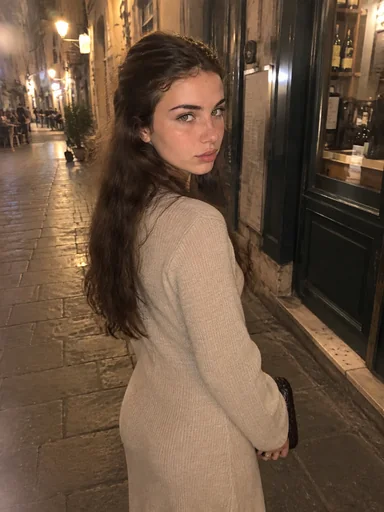
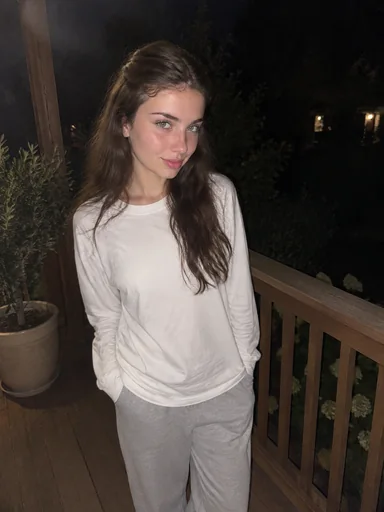
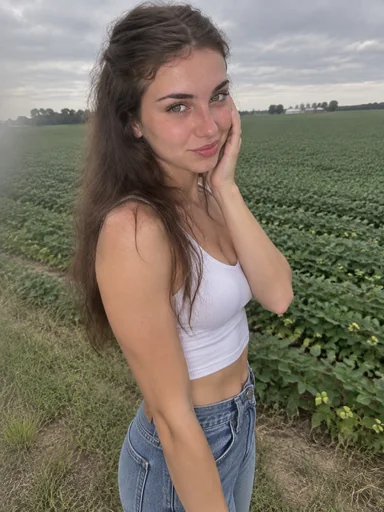
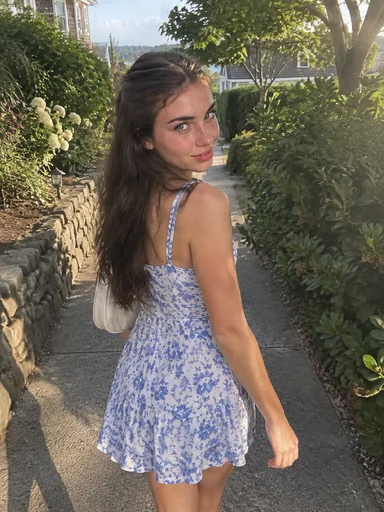
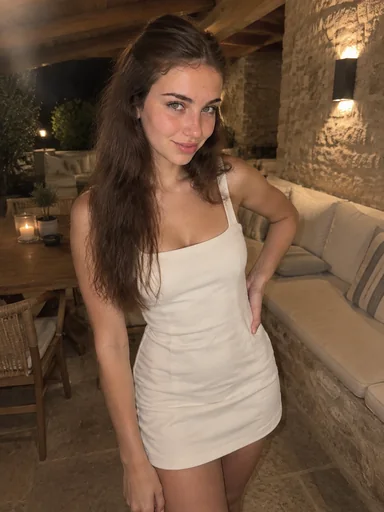
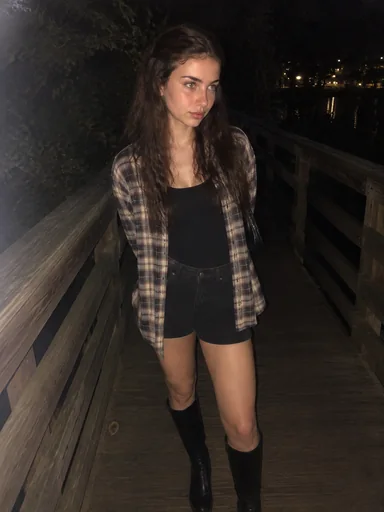
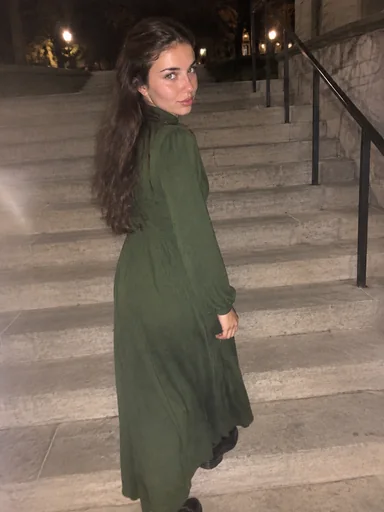
An example of our process: one AI character, its generated reference sheet and images created for training. These are dataset examples, not finished LoRA outputs.
Inside the dataset
The same character.
More sides to the story.
A good starting image is only the beginning. The dataset brings your character into everyday moments, giving the trainer more to learn from than a single pose or backdrop.
- Close-ups that focus on facial details
- Wider views, different poses and outfits
- Varied light and everyday surroundings
Built for your next idea
Your character.
Your next chapter.
Bring the idea. We handle the sheet, dataset and training—so you can focus on what your character does next.
Your finished package includes your trained Krea 2 LoRA, a ready-to-load ComfyUI workflow and a step-by-step Runpod guide. Everything is available when your training is complete.
Start with my character